Mac · iPhone · iPad

You already know how 2am ends.

One more video becomes losing tomorrow. Sleep Well locks your screens at bedtime — and the only way out early is a key you handed to someone else.

macOS 14+ · signed and notarized by Apple · iPhone app in development

In peace I will lie down and sleep.

until wake

--:--:--

No password · No timer · Releases at 6:30 AM

A real countdown to a real 6:30am. One of these covers every display you have.

Blockers don’t fail at 11pm. They fail at 1am.

By then you’re not deciding whether to sleep. You’re negotiating — and every blocker on the market hands you something to negotiate with.

You close it

Most blockers are one app. Quit it, force-kill it, and the enforcement dies with the process.

You know the password

A lock you set is a lock you can open. At 1am, being the person holding the key is the entire problem.

You just delete it

Uninstall, reinstall tomorrow, promise yourself it'll be different. Ninety seconds, start to finish.

Sleep Well is built so none of those are moves you have.

Interactive

Go on, then. Try to get out of it.

Every way out you’d actually reach for at 1am, and exactly what happens when you take it. One of them works — we’ll tell you which.

It’s 1:14am. The lock is on. Pick your move.

Try to get out of it.
Nothing here is a mock-up of a mock-up — every answer is what the app actually does.

Three steps, then it isn’t up to you anymore.

The design goal is to move the decision away from 1am — when you’re worst at making it — to right now, while you’re rested.

  1. Set your bedtime

    Pick the hour and the apps that keep you up. Leave Phone and Camera off the list and they keep working normally.

  2. Give the key away

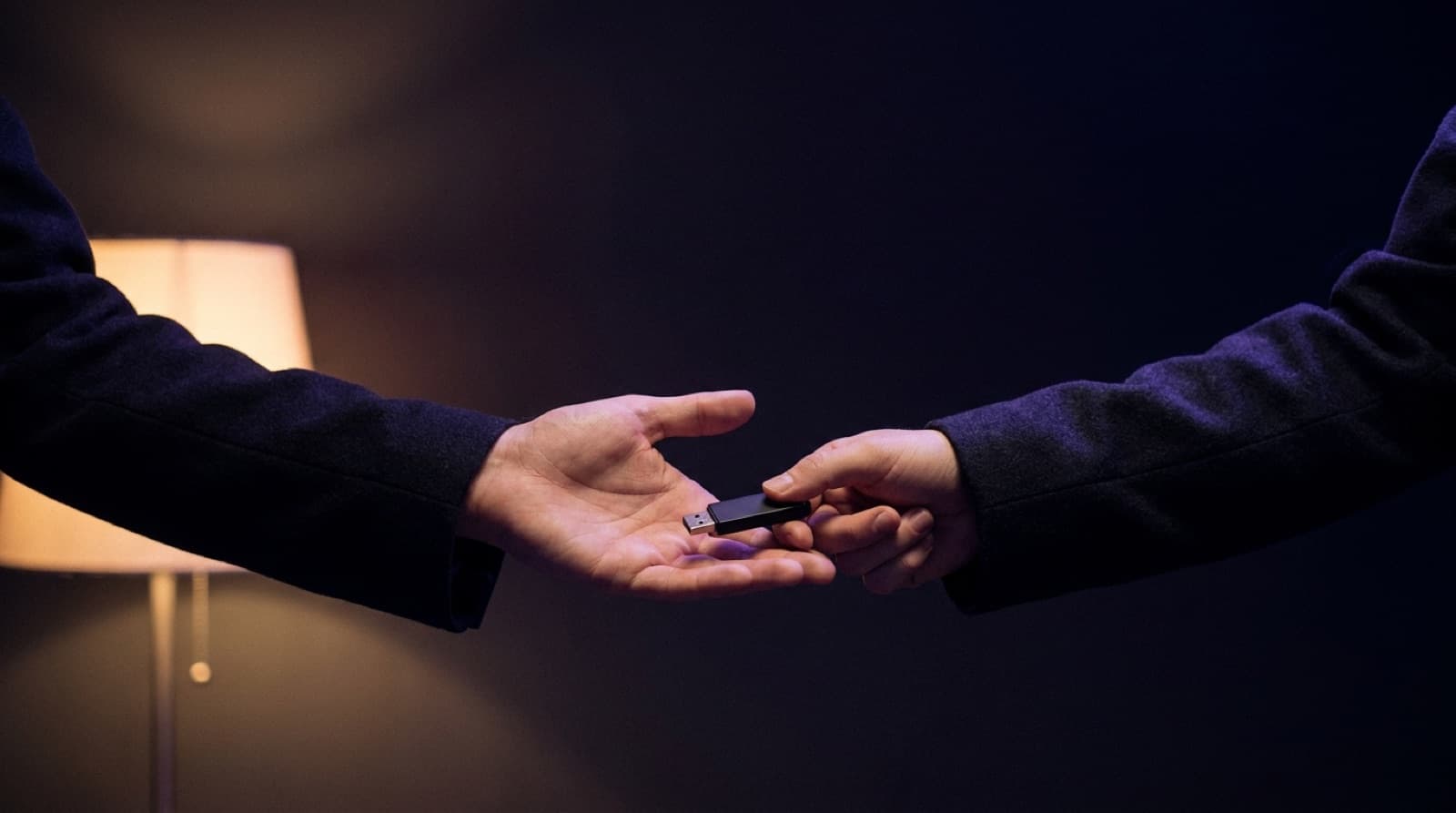
    Sleep Well writes a random secret to a USB drive. Hand it to a roommate, a partner, a friend down the hall.

  3. Stop negotiating

    At bedtime the screens lock. There's no button that ends it early, because that button is what fails when you need it not to.

In development

There’s no Cold Turkey for iPhone. That’s the problem.

Cold Turkey is Windows and Mac only — the system access it relies on isn’t available to third-party apps on iOS. So the device actually keeping you awake is the one nothing can lock.

Sleep Well’s iPhone app uses Apple’s own Screen Time APIs to get as close as iOS permits: a commitment set in advance, with no way to shorten it from inside the app.

Get one email when it ships. Nothing else, ever.

Why iPhone blocking works the way it does →

🛡️

TikTok

Blocked until wake time

5h 32m remaining

Physical key required to release early

iPhone shield. The apps you selected are blocked — no "one more minute" button exists.

The escape hatch is a physical object, on purpose.

A password you set is a password you can use. A timer you chose is a timer you can wait out. Sleep Well writes a random 256-bit secret to a USB drive and keeps only its fingerprint — so ending a night early means physically holding the drive.

Which means the intended move is to give it away. Discipline stops being something you summon at 1am and becomes something you arranged in advance, while rested.
🌙SLEEP WELL

The worst case, spelled out.

You’re considering something designed not to let you out. That’s worth hesitating over, so here’s exactly how far it goes.

The nightly lock ends by itself

It releases at the wake time you set — with or without the key, with or without internet, rebooted or not. The worst case is one night.

You choose the length

Start with a single night. Nothing pushes you toward 90 days, and nothing extends a commitment you already set — only you can make one longer.

Losing the key costs nothing

Drop it in a lake and the lock still opens on schedule. The key only ever ends a night early. It's never what stands between you and your morning.

There’s no state this app can put your machine into that outlasts the morning.

What it can’t do

Everyone else in this category claims to be unbeatable. Here are the edges, so you find them here rather than at 1am.

Someone determined will get past it

If you know your way around macOS recovery tools or a second admin account, you can defeat any app you installed yourself — this one included.

You can delete it during the day

Real uninstall protection needs an Apple entitlement we haven't shipped. The watchdog handles force-quit; it doesn't handle the Trash at noon.

iPhone permission is revocable

On a phone you authorize yourself, you can withdraw Screen Time access. Set it up via Family Sharing with someone else as guardian and that gets much harder.

Cheaper than one night you don’t get back.

One price, every feature, no upsells in the app. The only question is whether the phone needs locking too — and if you’re honest about what keeps you up, it does.

Mac

The full desktop lock.

$75/year

  • Every display covered at bedtime
  • Quit refused, watchdog relaunch
  • Latched nights that can't be shortened
  • Optional root-level network block
  • USB physical escape key
Get early access

macOS 14 or later

$75 a year is about a dollar fifty a week. One coffee, against the nights you’d get back.

Weighing it against Brick? Fair — it’s cheaper, it’s one-time, and it’s a lovely object. But the tile that unlocks it lives in your pocket, and it doesn’t touch the Mac you do the scrolling on. Sleep Well takes the opposite bet: whatever ends the block early should be somewhere you can’t reach at 1am. If that trade doesn’t appeal, buy the tile — genuinely.

Questions people actually ask

What if I have a real emergency?

On iPhone only the apps you pick are shielded — leave Phone and Camera unselected and they work normally. Emergency SOS and lock-screen emergency calling belong to iOS and sit outside this app entirely. On the Mac, the lock always releases at your wake time, key or no key.

What if I try it and hate it?

Remove it during the day like any other Mac app. A night already running finishes on its own schedule, and after that there's nothing left behind — no account to close, no subscription buried in Settings, no data of yours anywhere, because we never collected any.

Is there a Cold Turkey for iPhone?

No. Cold Turkey is Windows and macOS only, because the OS-level integration it relies on isn't permitted for third-party apps on iOS. Sleep Well's iPhone app uses Apple's Screen Time APIs to get as close as iOS allows.

What if I lose the USB key?

Nothing breaks. The lock releases automatically at your wake time regardless. The key exists only to end a night early, and it's meant to live in someone else's hands precisely so you can't use it on impulse.

Does it phone home?

No. No backend, no analytics in the app, no advertising SDK, no account. Your schedule and app selection sync between your own devices through your own iCloud and never touch a server we run, because we don't run one.

Tonight, then.

Set a bedtime, write a USB key, and hand it to someone before you need it.

macOS 14 or later · Apple silicon and Intel · 1.4 MB

On iPhone or iPad instead?